Platform Guides
Complete guides to selling digital products on the top platforms.
Gumroad, Whop, Systeme.io, Payhip — we analyzed fees, features, and real revenue data across every major digital product platform. Here's what the numbers say.
Articles
Etsy vs Gumroad: 3 Fee Examples for Digital Sellers
Compare Etsy and Gumroad fees on $5, $20 and $100 digital sales. See US processing, listing costs and the acquisition assumptions behind each example.
 Platform Guides
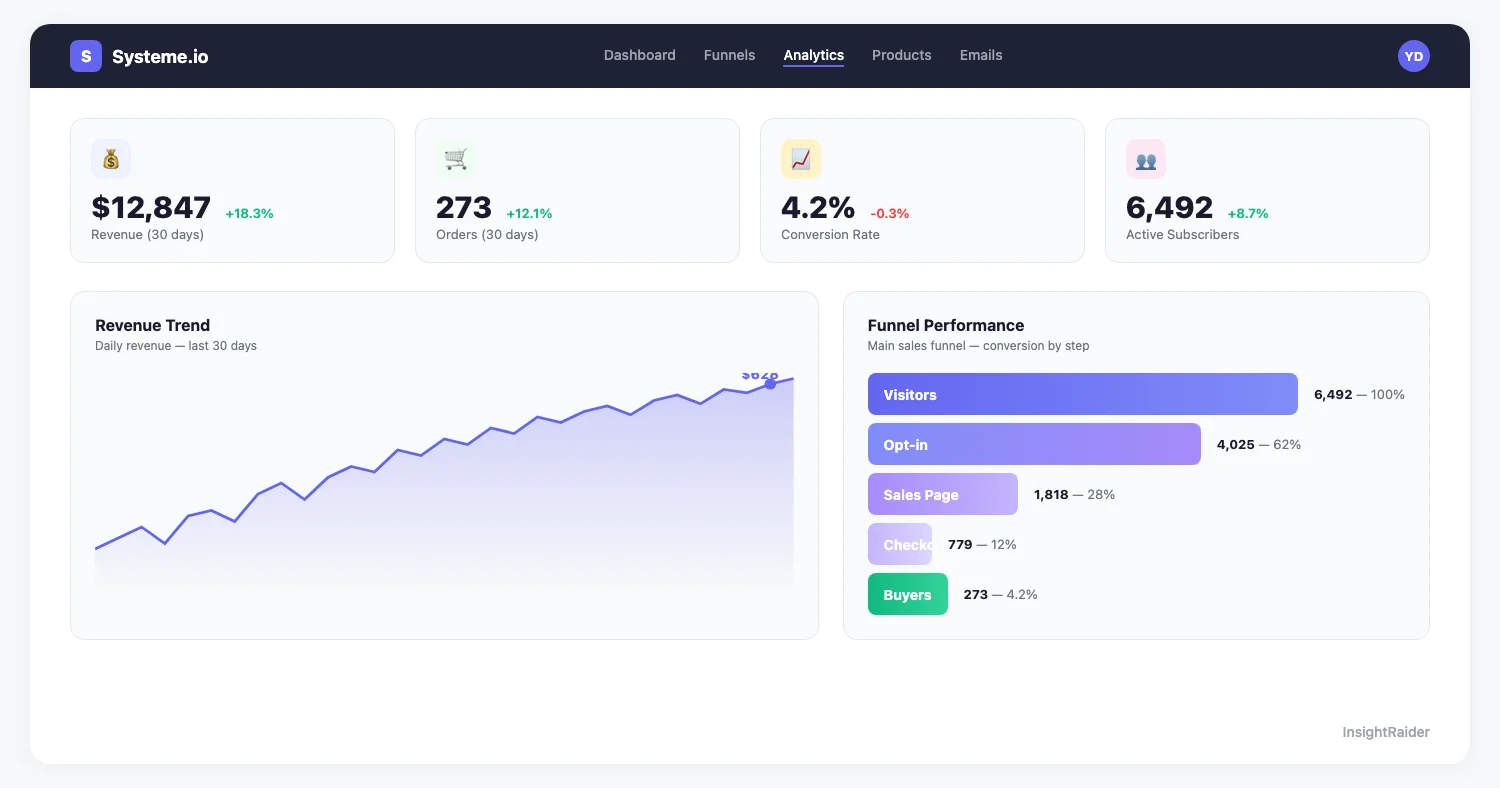
Systeme.io Analytics: Track Sales & Revenue
A Systeme.io analytics workflow: what to set up on day one, what to check daily during launches, and what to review each week and month.
 Platform Guides
Whop Analytics: Track Sales & Revenue
Turn your Whop dashboard into a diagnostic tool: find the revenue leak (discovery, conversion, churn or LTV), fix it, then track net revenue.
 Platform Guides
Gumroad vs Whop 2026: 10% + $0.50 vs 0% Platform Fee
Gumroad takes 10% + $0.50 per sale plus processing; Whop charges no platform fee, only 2.7% + $0.30. Pricing, payouts, audience & tools compared.
 Platform Guides
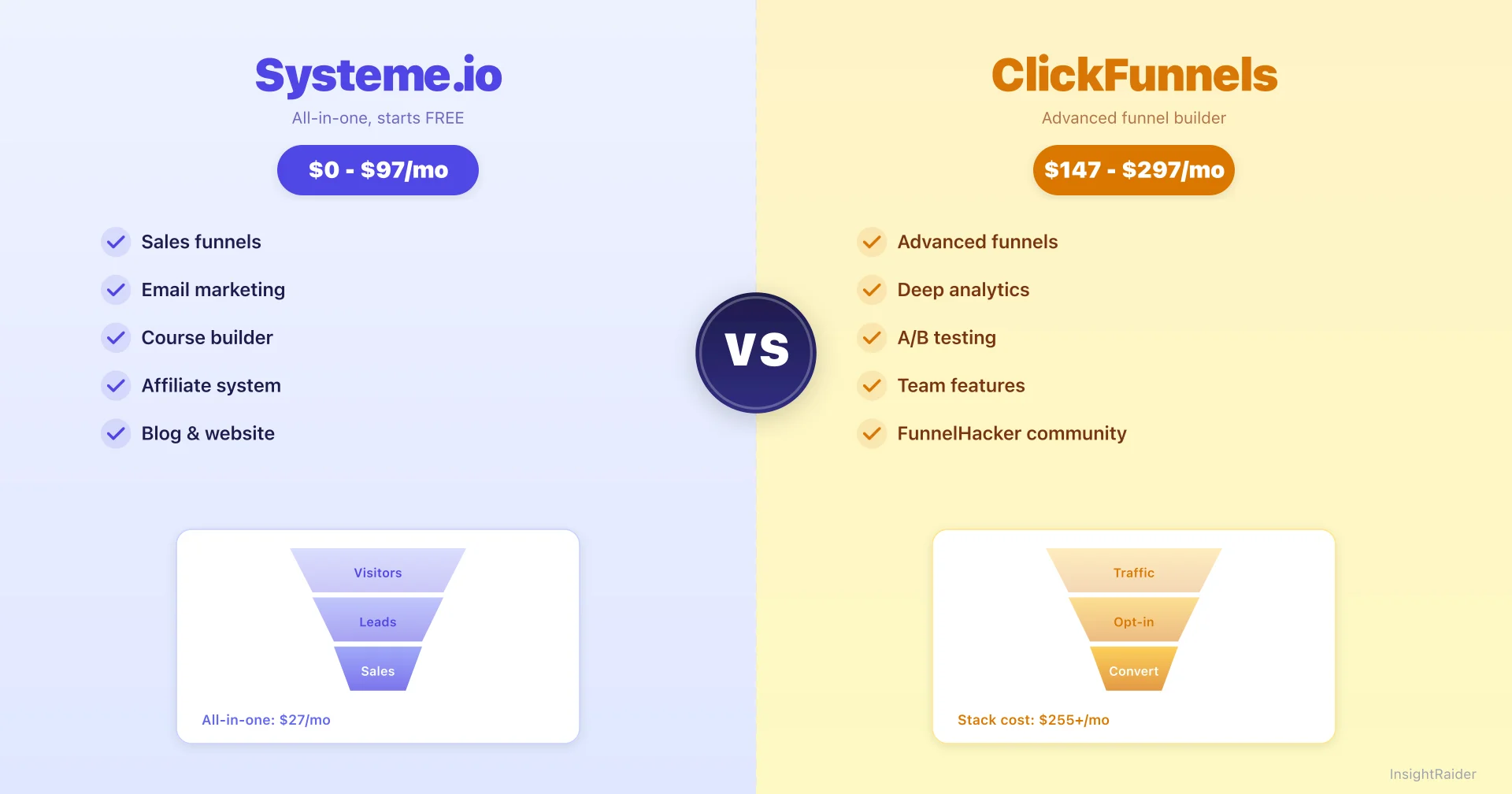
Systeme.io vs ClickFunnels: Free vs $97/Month (2026)
David vs Goliath: Systeme.io starts free, ClickFunnels starts at $97/mo. Which funnel builder actually delivers more value? A deep comparison with real pricing math.
 Platform Guides
Gumroad vs Systeme.io (2026): Pricing, Fees & Verdict
We compared Gumroad and Systeme.io side by side: pricing, transaction fees, features and delivery assumptions. Verify current terms before choosing.
 Platform Guides
Sell on Systeme.io: 4 Steps to Your First Funnel (2026)
Learn how to sell digital products on Systeme.io with proven strategies. From setup to scaling, everything you need to launch successfully.
 Platform Guides
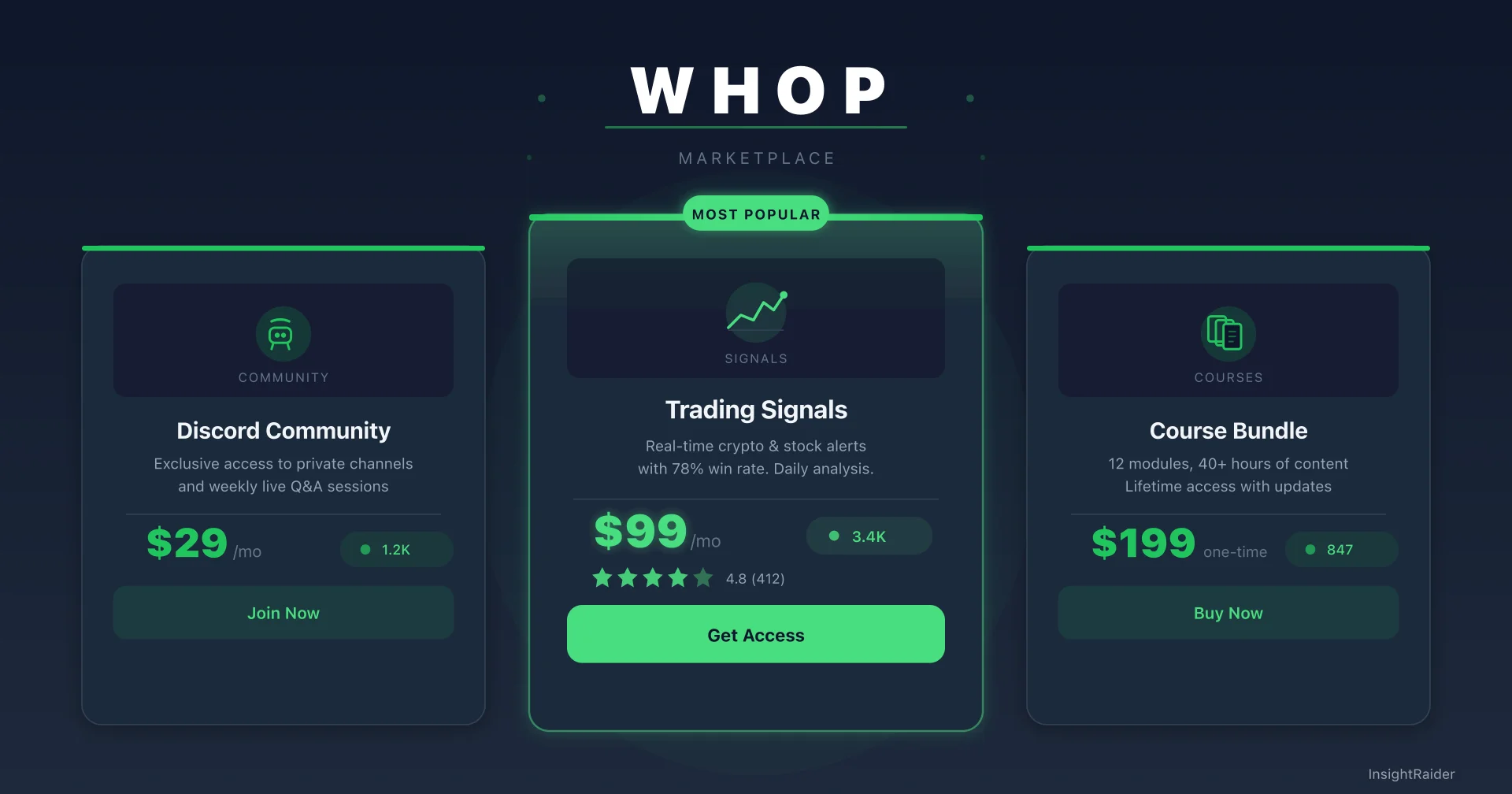
Sell on Whop 2026: 0% Platform Fee (Full Seller Guide)
0% Whop platform fee vs Gumroad's 10% + $0.50. Marketplace discovery, what sells on Whop, and a step-by-step setup. Free 2026 guide.
 Platform Guides
How to Sell Digital Products on Gumroad: 8-Step 2026 Guide
Launch your first Gumroad product with an 8-step checklist: product type, 48-hour validation, pricing, sales page, launch and traffic. Free 2026 guide.
Read platform guides around the way you sell
Use this collection to make a storefront decision with the complete customer journey in view. Your platform has to support the promise on your sales page, the purchase itself, and the work you owe the buyer afterward. A download, a structured course, and an ongoing community create different requirements. Start with the model you already operate or plan to test, then open the relevant setup guide or comparison. The goal is a short list of requirements you can verify in a trial account.
Pick a starting point for your storefront decision
- Work through a Gumroad selling workflow
Use the walkthrough if you are preparing a digital product listing or reviewing an existing one. As you read, map each setup decision to your own deliverable, customer instructions, and support process. Keep a list of checks to perform yourself before sending traffic to a new checkout.
- Investigate a Whop offer
Choose this guide when Whop is on your shortlist. Read with a concrete access model in mind: what a new buyer receives, how long access lasts, and what happens when the purchase ends. Verify the current platform settings for that model rather than assuming a general guide covers every account or product type.
- Review a Systeme.io workflow
Start here if you are considering Systeme.io for the journey from audience to purchase. Write down which parts of your existing process a new setup would replace. Compare the full workflow, including content delivery and follow-up, so a convenient feature does not hide additional migration or maintenance work.
Write a storefront acceptance checklist
Begin with the buyer. Describe the product, access duration, delivery format, and support promise in plain language. Separate essential requirements from conveniences. A feature is essential if its absence prevents you from fulfilling the purchase or operating in your intended market. A prettier storefront may matter, but it should not obscure a missing delivery or payment requirement.
Next, test a complete journey using the platform's available test facilities. Review the checkout, confirmation message, file or course access, and customer support contact. Include a mobile browser and an email address that is separate from your seller account. Check how you would handle a failed delivery, a refund request, and an access change. Record what worked and what still needs clarification.
Then map the operating work. Identify who updates the product, answers questions, reconciles payouts, and maintains integrations. Check current official documentation for fees, eligibility, payout conditions, and any limits that affect your offer. Date your notes. Requirements and commercial terms can change, so an article is a route into the verification process rather than a substitute for it.
Include a maintenance check with your sample product. Replace a resource, correct an instruction, and find the steps for notifying a buyer about the update. Check what information you can export and which records you would need if you changed platforms later. Write down any dependence on an external tool. These practical tasks reveal whether you can operate the setup comfortably after the initial launch, when routine updates become your responsibility.
Illustrative example: a course with optional support
Imagine an educator selling a recorded workshop and considering a separate monthly feedback group. The workshop needs reliable access to its lessons and resources. The group needs a clear schedule, a way to manage membership, and a plan for cancellations. Compare those two promises separately before deciding whether one platform should host both offers.
For the trial, create a sample lesson and a sample member journey. Walk through joining, finding the materials, asking for help, and leaving the group. A cheap checkout would not resolve a confusing access process, while a sophisticated community setup might add unnecessary work to a simple download. This scenario illustrates how to evaluate requirements; it is not a claim about any platform's current feature set.
Questions about using these guides
- Should I move an offer that already sells?
- Identify a specific limitation first, such as a delivery problem or an operating task you can no longer manage well. Compare the expected benefit with rebuilding links, customer instructions, integrations, and access. If the current setup serves buyers adequately, a small process improvement may be a better next test than a full migration.
- How do I choose between two platforms after reading the guides?
- Use the dedicated comparison for the pair, then score both against the same acceptance checklist. Mark unknowns as unknowns until you verify them. Weight the requirements that affect your actual product and buyers most heavily. Keep your assumptions and test results together so you can explain the decision without relying on a generic winner label.
More questions about this topic
- →How to sell digital products on Gumroad?
- →How to use Gumroad analytics to increase sales?
- →What Digital Products Sell Best on Gumroad?
- →What are the best Gumroad alternatives?
- →How should you price digital products on Gumroad in 2026?
- →Can you make a living on Gumroad?
- →Is Gumroad still worth it?
- →Why are creators leaving Gumroad?
- →What metrics should you track on Gumroad?
- →How to market your Gumroad products?